First setup your MFA details with Microsoft by going to: https://aka.ms/mysecurityinfo
- Login using your school email address and system password provided
- Add sign-in method, e.g. “Phone” select “United Kingdom”
- enter phone number(s) you have access to while you login from home
“What is MFA?:
MFA (Multifactor Authentication) is used to verify yourself by using a phone or device that you own. It prevents 99.9% attacks on your online accounts.”
Next go to: www.nkacademy.co.uk
Click on:

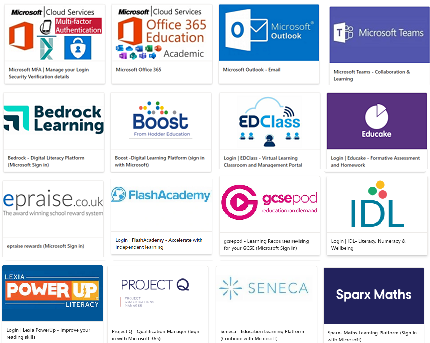
Here you will see our wide range of cloud apps which are available in school and from home.
e.g.